
Description
Clavyz BarRy Accessibility
Custom accessibility aids for your WordPress website
A website should be pleasant and easy to use for as many people as possible. Different visual abilities, motor impairments, and personal reading habits place their own demands on presentation and operation.
Clavyz BarRy Accessibility adds a clear control panel with 23 assistive functions and five prepared quick profiles to your WordPress website. Visitors can enlarge text, change color display, have content read aloud, and reduce distracting movements.
All accessibility aids are already included in the free Lite version. With Pro, you can additionally customize the appearance to your website and receive more languages for the control panel.
23 tools for individual settings
Visitors choose for themselves which adjustments help them:
- Increase text size: Increases the font size in three steps.
- Large mouse pointer: Makes the mouse pointer larger and easier to see.
- Line height: Increases the spacing between lines of text.
- Letter spacing: Increases the spacing between letters.
- Readable font: Uses a clear system font.
- Dyslexia font: Offers an alternative font display with more open letter shapes.
- Text alignment: Aligns text left, center, or right.
- Text magnifier: Displays text enlarged under the mouse pointer.
- Highlight links: Marks links more clearly.
- Invert colors: Changes color display through graded inversion.
- Brightness: Adjusts the brightness of the display.
- Contrast: Enhances contrast in multiple levels.
- Grayscale: Reduces color display stepwise.
- Color saturation: Decreases or increases color intensity.
- Reading line: An orientation line follows the mouse position.
- Keyboard navigation: Highlights focused controls more clearly.
- Mark headings: Makes the heading structure visually more recognizable.
- Reading mask: Limits the reading area and dims surrounding content.
- Hide images: Temporarily hides images and supported visual media.
- Highlight elements: Outlines elements when hovering with the mouse pointer.
- Read page aloud: Reads the main content aloud via the browser's speech output, if supported.
- Mute sounds: Mutes supported audio and video elements.
- Stop animations: Reduces CSS animations and transitions.
The tools can be activated individually and combined. Many adjustments offer multiple intensity levels. Their effect also depends on the structure of the website and the content used.
Five quick profiles
The prepared profiles activate several settings simultaneously:
Visual support
Enlarges content and enhances contrasts.
Low-stimulation display
Reduces colors, animations, and supported audio sources.
Focus
Combines the reading mask with clearer orientation aids.
Read aloud
Connects the browser-based speech output with a highlighted keyboard focus display.
Reduce stimuli
Dampens color stimuli and reduces CSS animations as well as supported audio sources. Flashing media and other moving content may still remain visible.
Visitors can combine the profiles with additional settings if needed.
Two control concepts – already in Lite
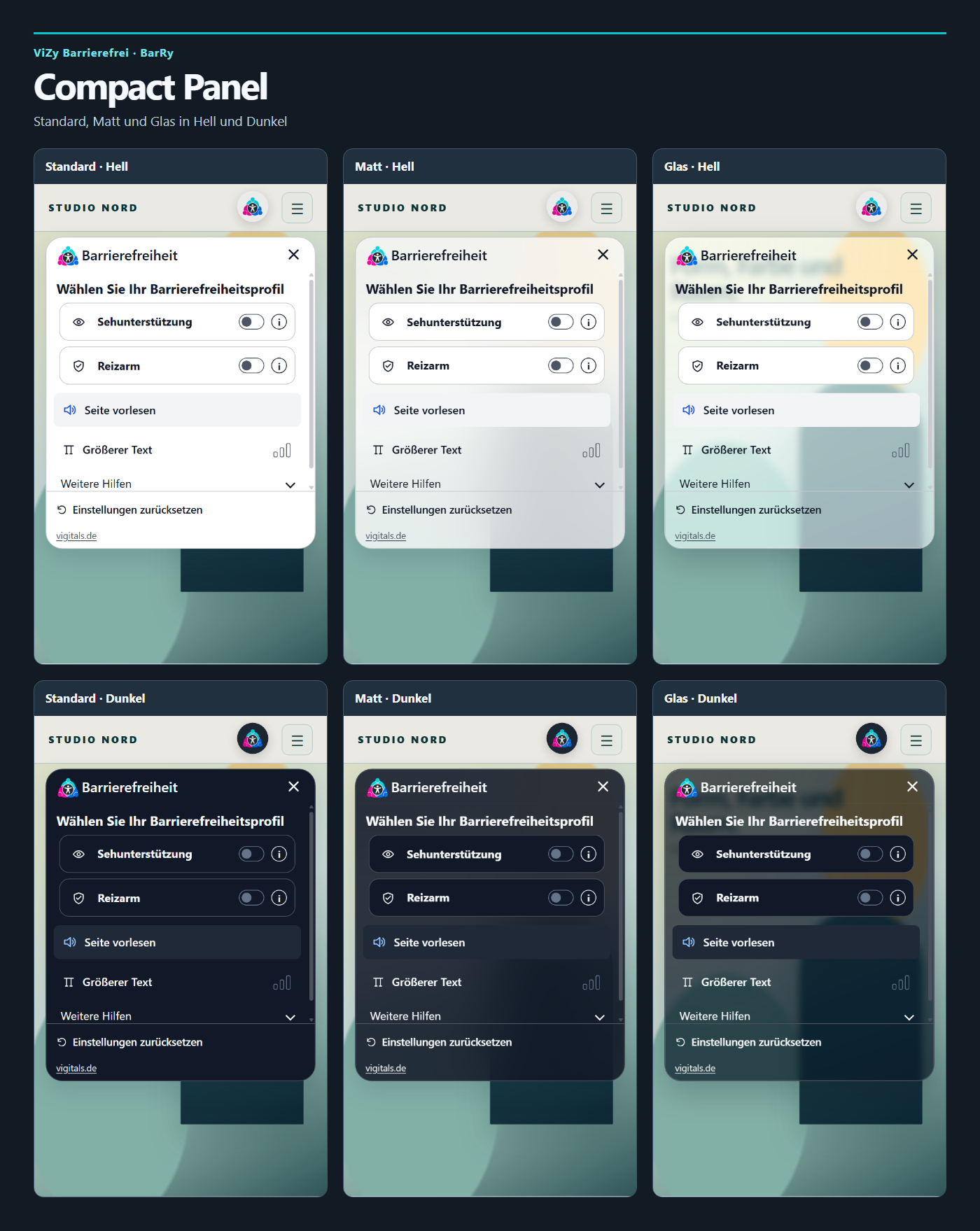
Compact Panel
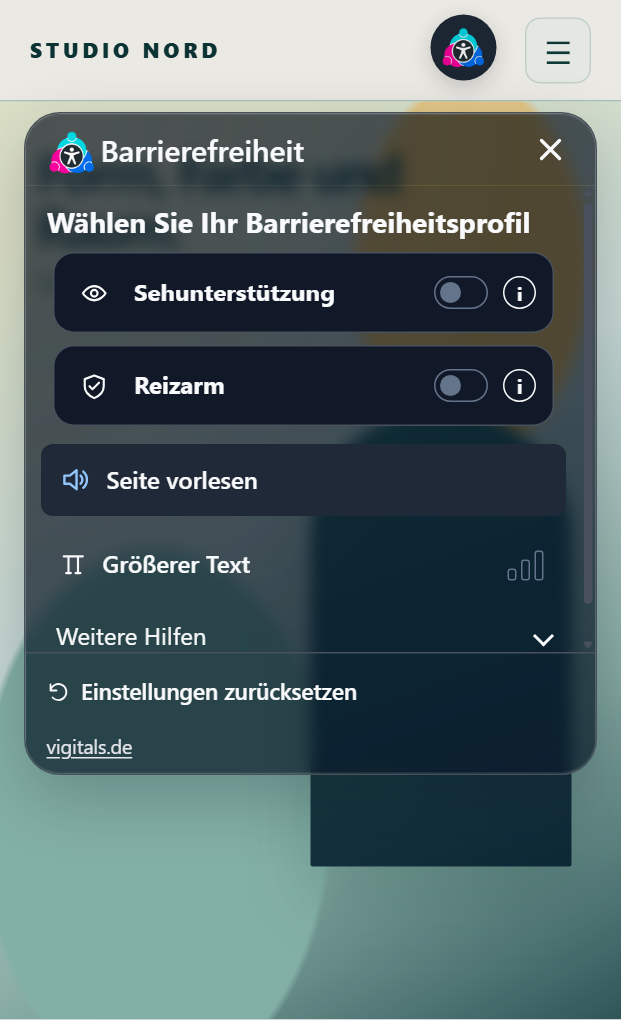
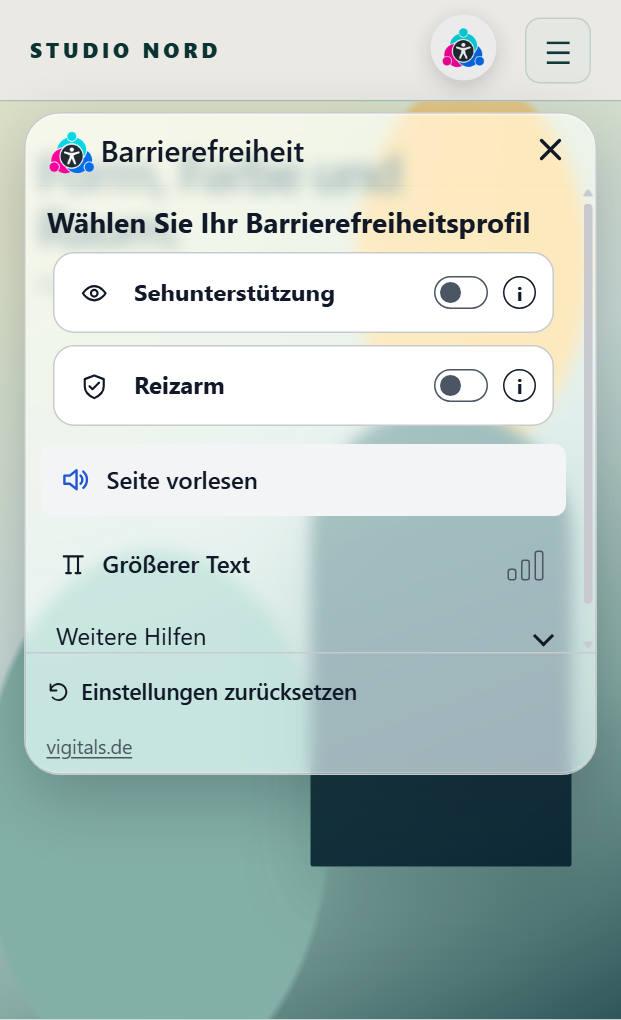
A compact, floating control panel that opens over the page content. Profiles and tools are clearly arranged and quickly accessible.
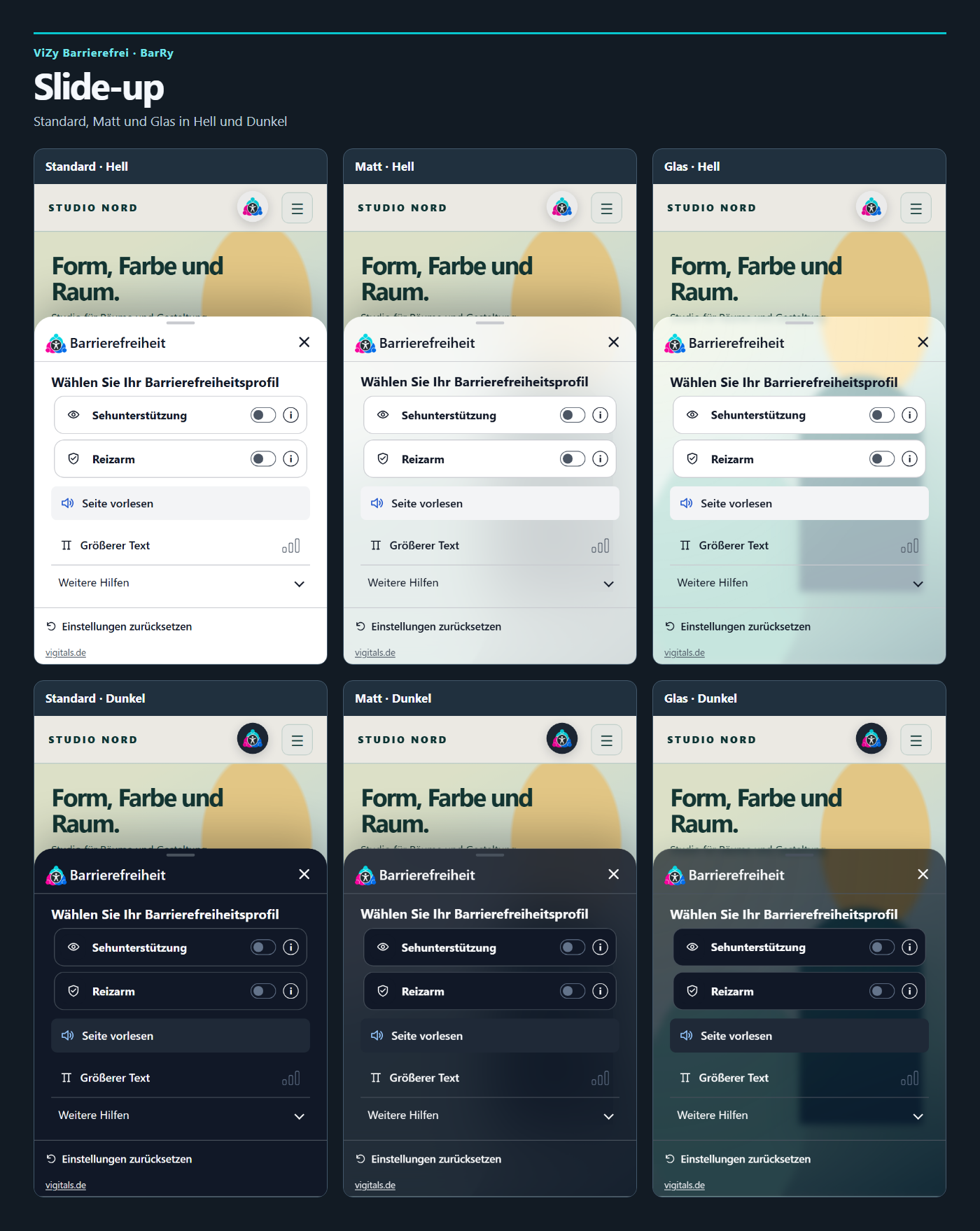
Slide-up
A control panel that slides in from the bottom of the screen. The generous layout is especially suitable for use on smartphones and tablets.
Both variants are already available in the free version.
With Pro matching your web design
Pro expands Clavyz BarRy Barrier-Free with extensive design options.
Choose between three surfaces:
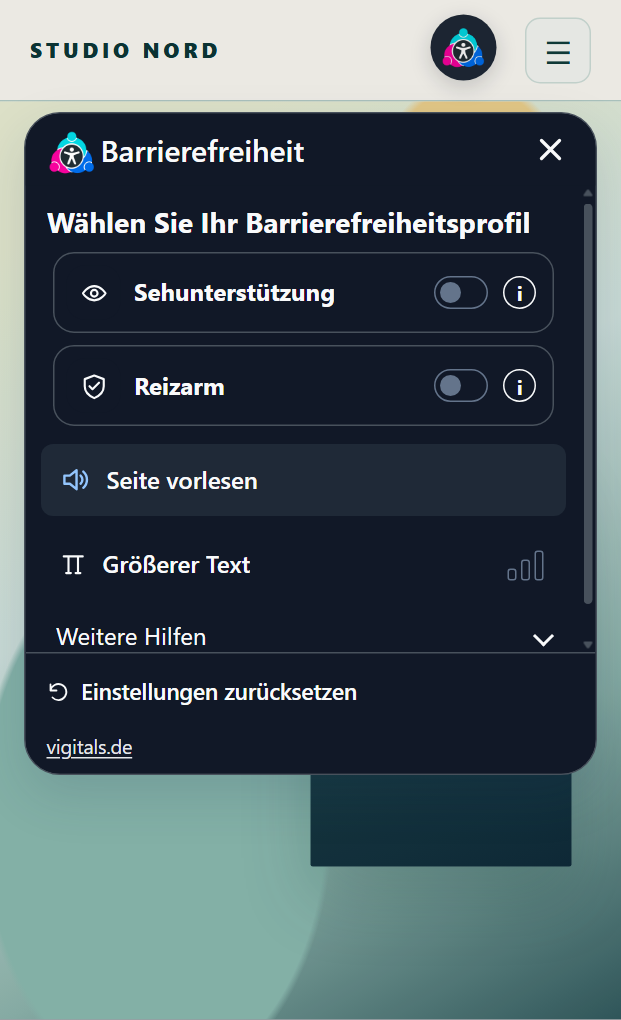
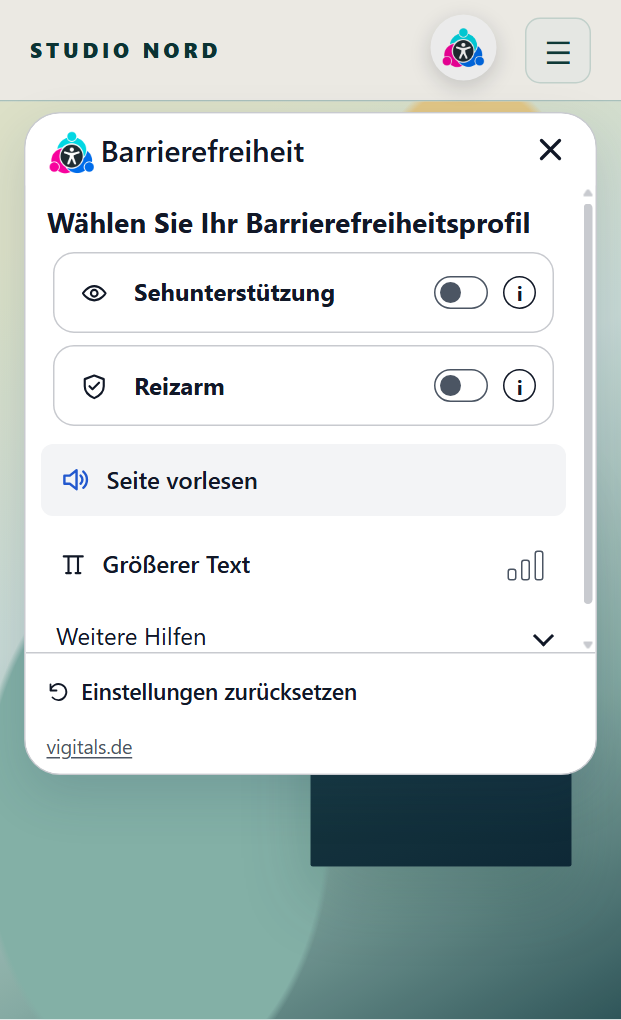
- Standard: A closed surface with clear presentation.
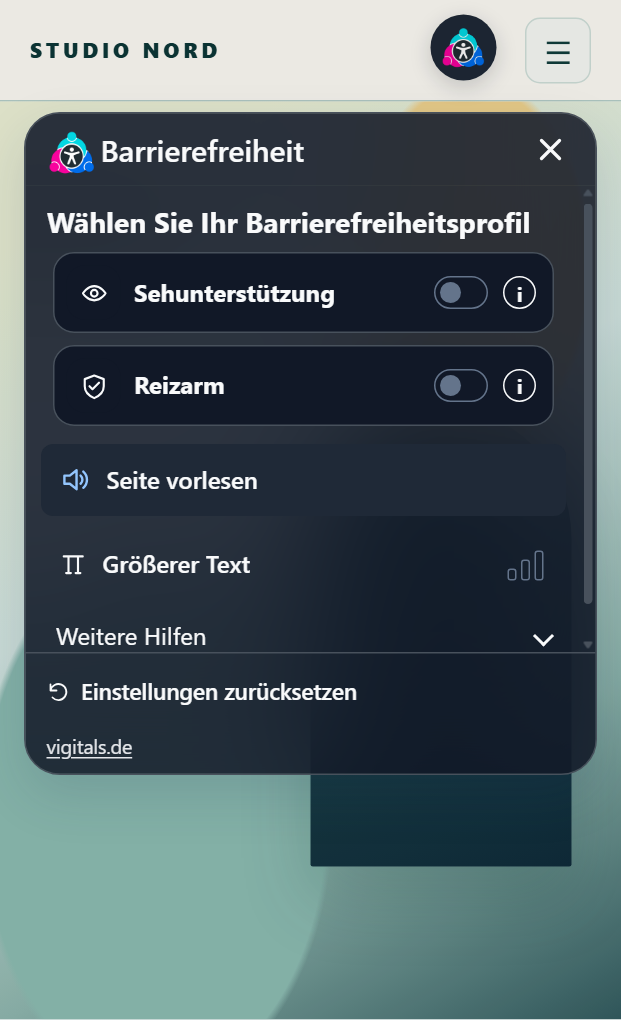
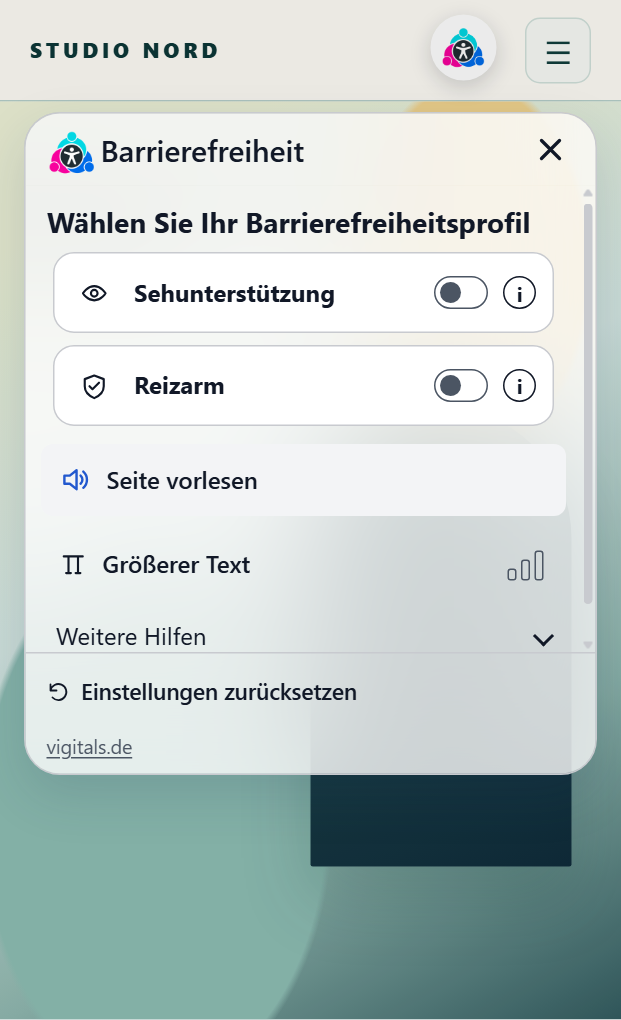
- Matte: A soft-looking surface with subtle transparency effects.
- Glass: Transparent areas and background blur make the underlying page content partially visible.
All three surfaces are available in a light and a dark variant. Together with Compact Panel and Slide-up, this results in twelve basic design combinations.
Additionally, you can adjust size, corner rounding, and the darkening of the page background.
Adopt colors from your existing design
For color design, Pro offers the standard palette, the global Elementor colors, and the colors of your WordPress theme to choose from.
Custom colors can also be set, for example for accents, background, text, and controls. Automatic color derivation supports a harmonious composition.
This way you adapt the control panel to your brand appearance without having to design every single area individually.
Suitable icons for access
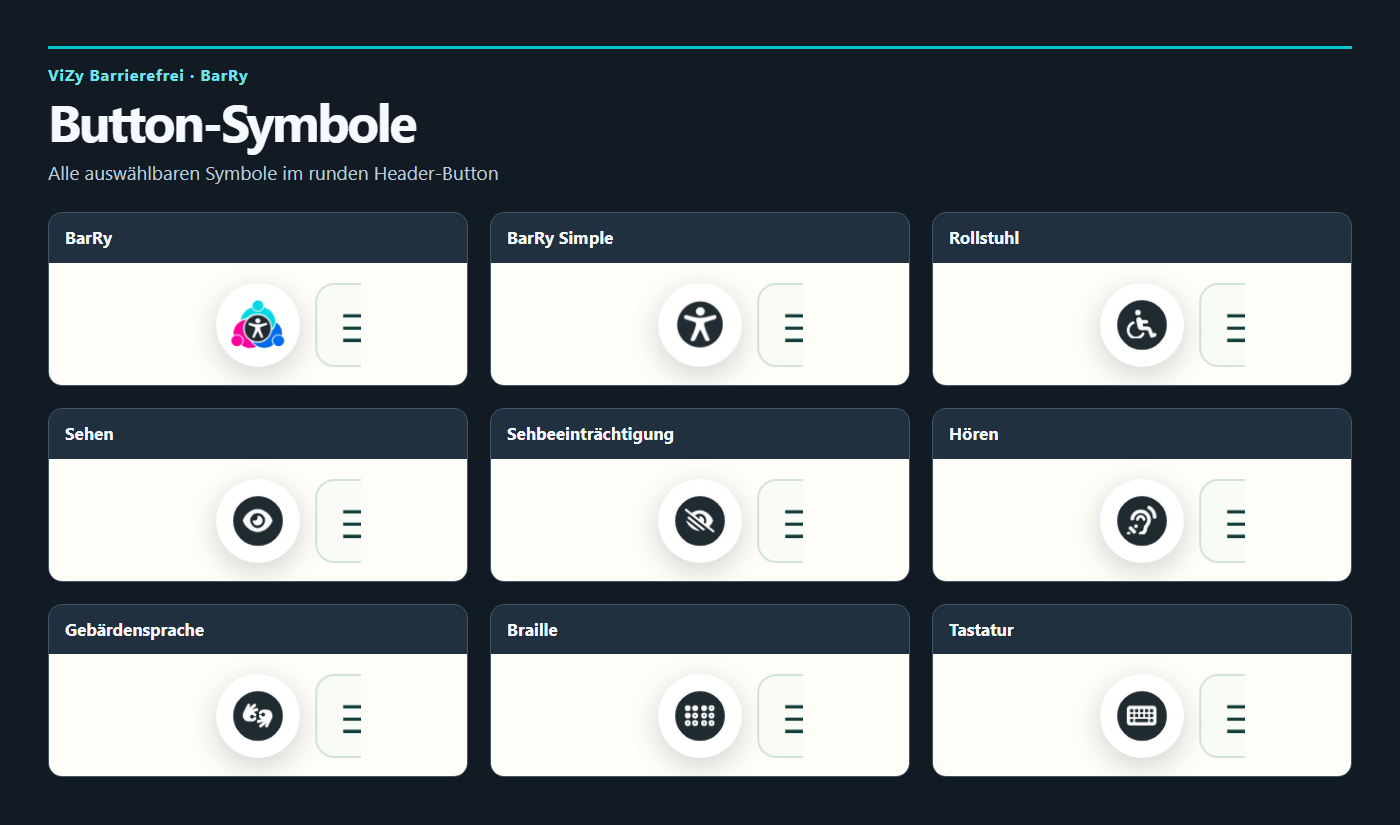
The colorful BarRy icon provides a clearly recognizable access to the control panel.
Pro adds alternative icons and a searchable, locally integrated catalog with icons from Font Awesome Free. This allows you to choose an access that fits your web design.
The icons mark the entry point to the accessibility features.
In the header or at the edge of the screen
You decide where visitors open the control panel:
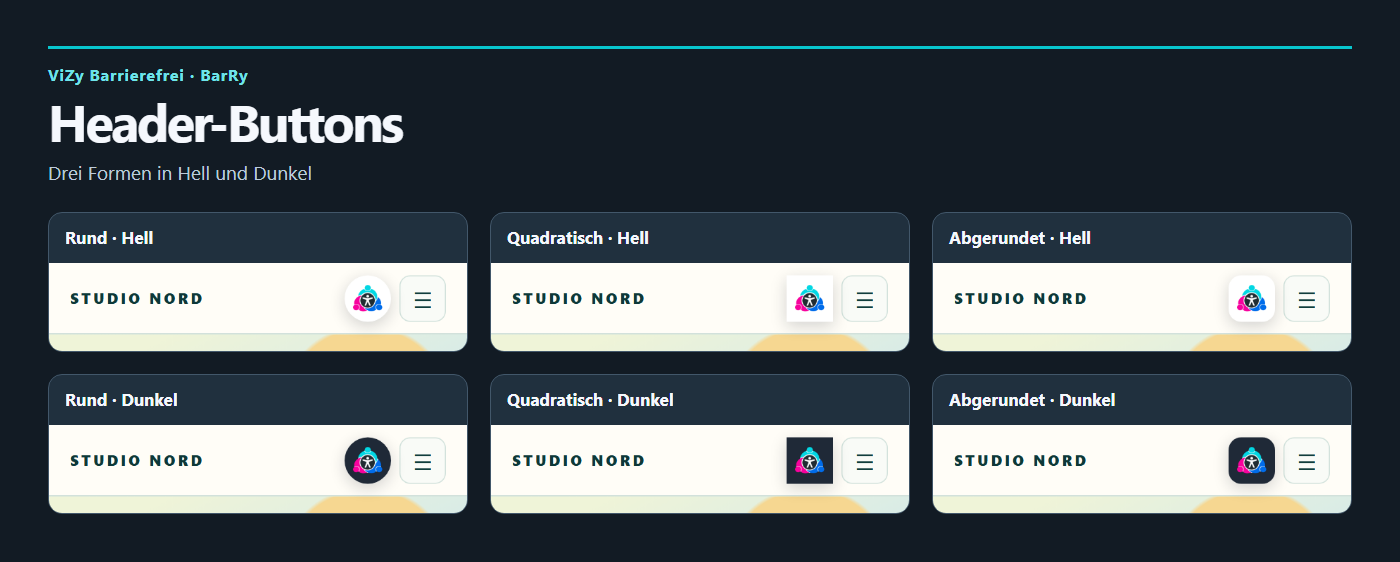
- Next to the navigation in the header.
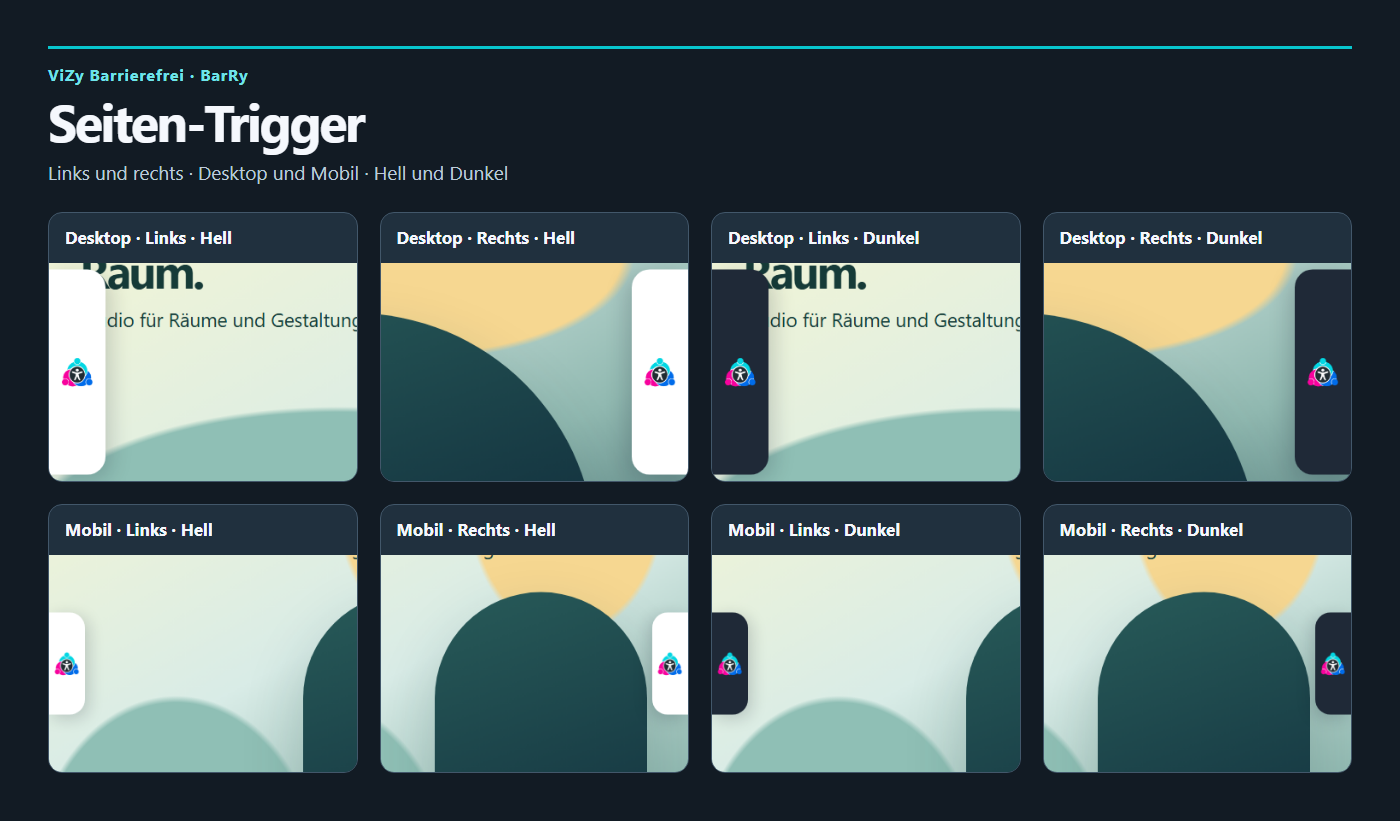
- At the left edge of the screen.
- At the right edge of the screen.
If the plugin does not find a suitable header for automatic placement, the access will alternatively appear at the edge of the screen.
Pro adds individual customization of the trigger, including round, square, or rounded shapes as well as light or dark display.
Select tools and preview changes
In the WordPress admin, you define which tools and quick profiles are offered. Unneeded functions can be hidden.
The integrated preview shows you changes before you save them. Additionally, you can add a link to your own accessibility explanation.
Usable without additional page builder
Clavyz BarRy Accessible has its own administration interface and does not require an additional page builder for its basic functionality.
Websites using Elementor can also use the plugin. Pro can additionally adopt the global Elementor colors for the control panel.
The interface is designed for desktop devices, tablets, and smartphones.
Languages for your visitors
Lite offers the control panel in German and English.
Pro supports eleven languages: German, English, Spanish, French, Portuguese, Italian, Dutch, Polish, Japanese, Russian, and Ukrainian.
Save settings in the browser
The selected visitor settings are saved in the browser, provided its storage settings allow this.
 Deutsch
 English
 Français
 Español
 Português (Brasil)
 Italiano
 Nederlands
 Polski
 日本語
 Русский
 Українська