


Description
Clavyz Login Security for WordPress
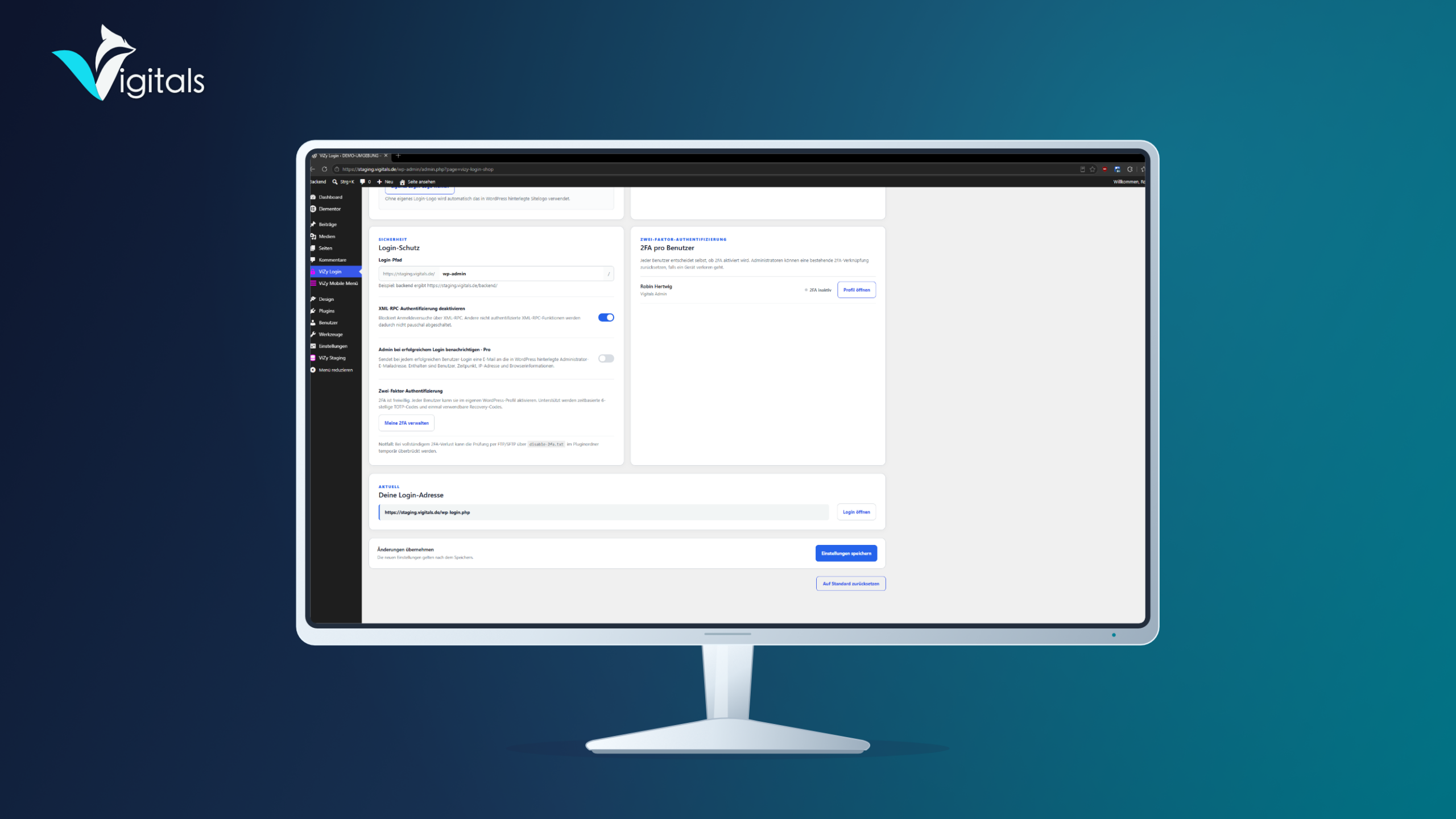
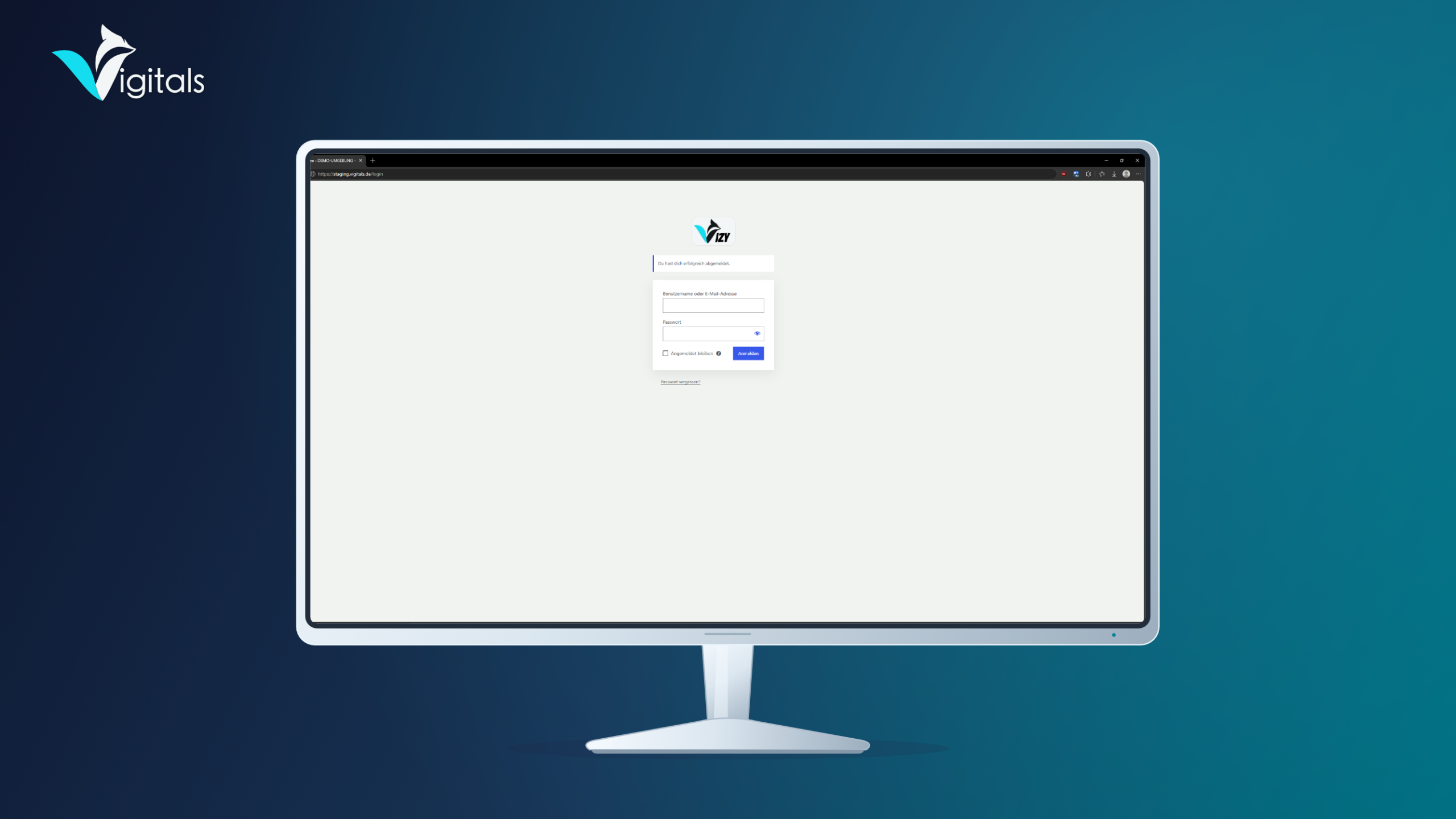
With Clavyz Login Security, you set up a custom login address for your WordPress website, for example /backend. Manage your login path, the appearance of the login page, and two-factor authentication conveniently via the WordPress backend.
Protect your WordPress login on three levels
Clavyz Login Security combines three security features, already included in the free Lite version.
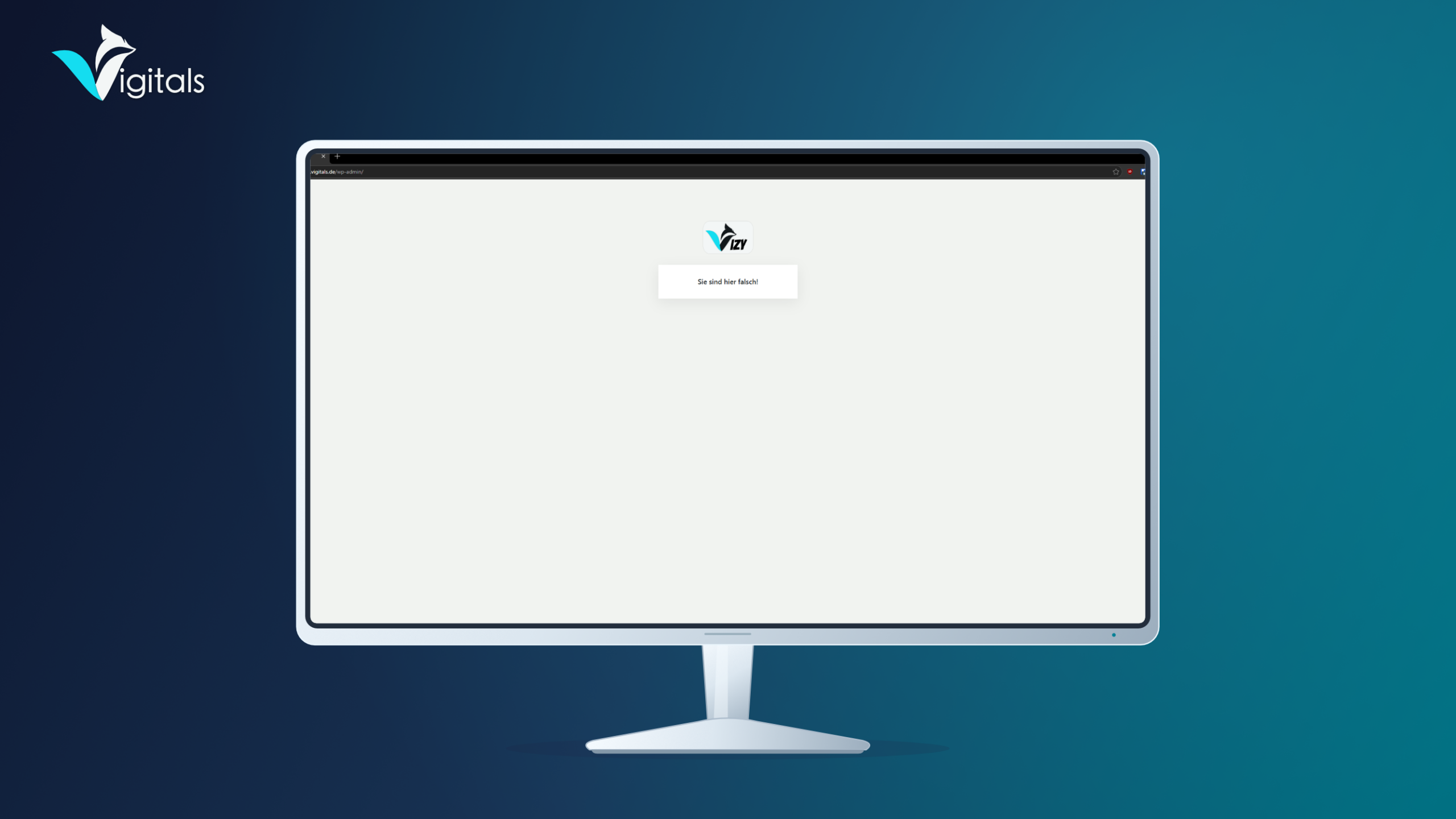
A custom login address reduces automated access attempts via the known WordPress login paths. By disabling XML-RPC authentication, an additional login route is closed. The optional two-factor authentication complements password protection with a time-limited security code from an authenticator app.
Even if a password falls into the wrong hands, two-factor authentication requires an additional verification. Together, these measures increase the security of your WordPress website.
Features of the free Lite version
- Set a custom WordPress login address, for example
/backend - Show or hide language selection on the login page
- Show or hide link back to the website
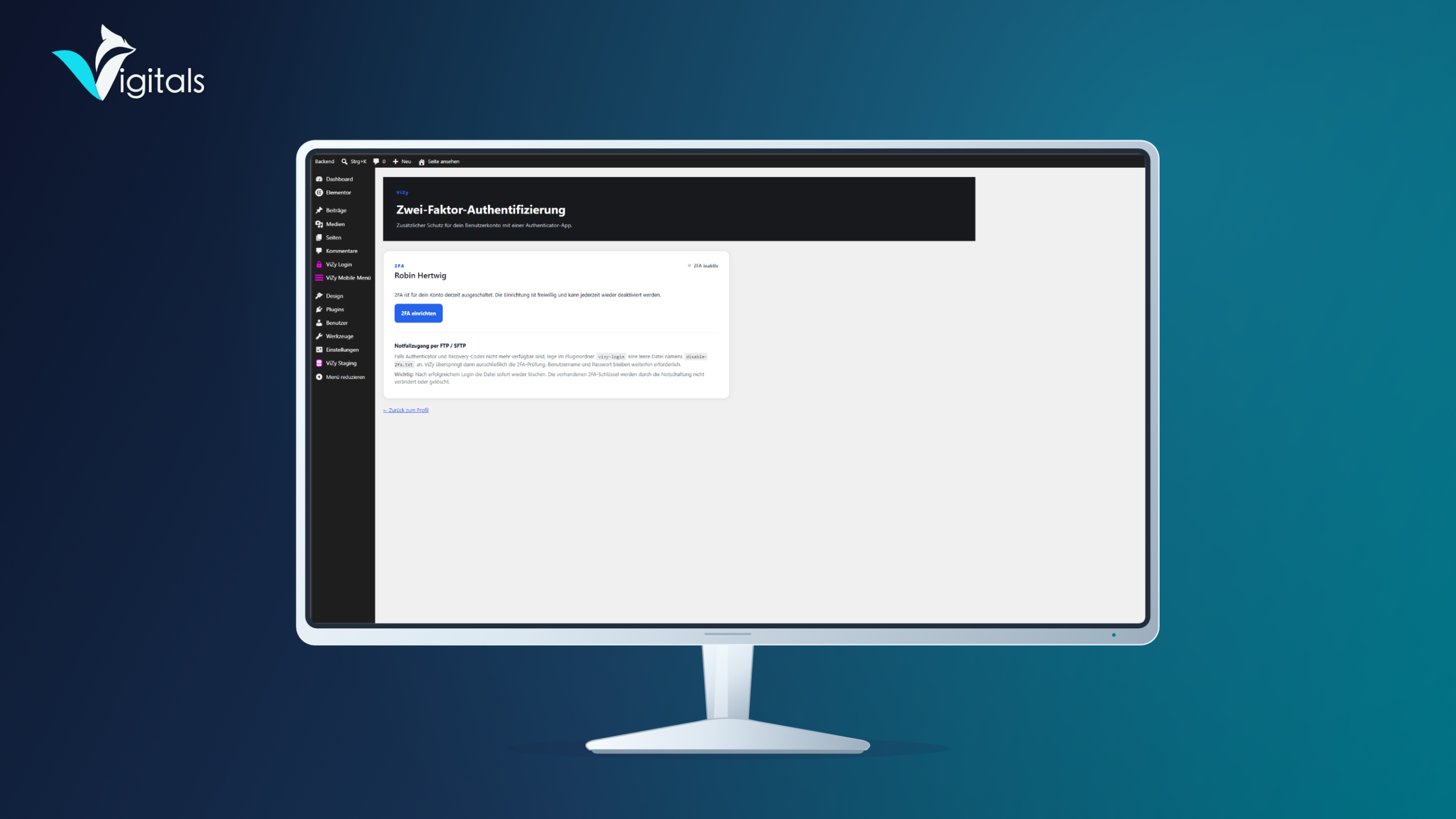
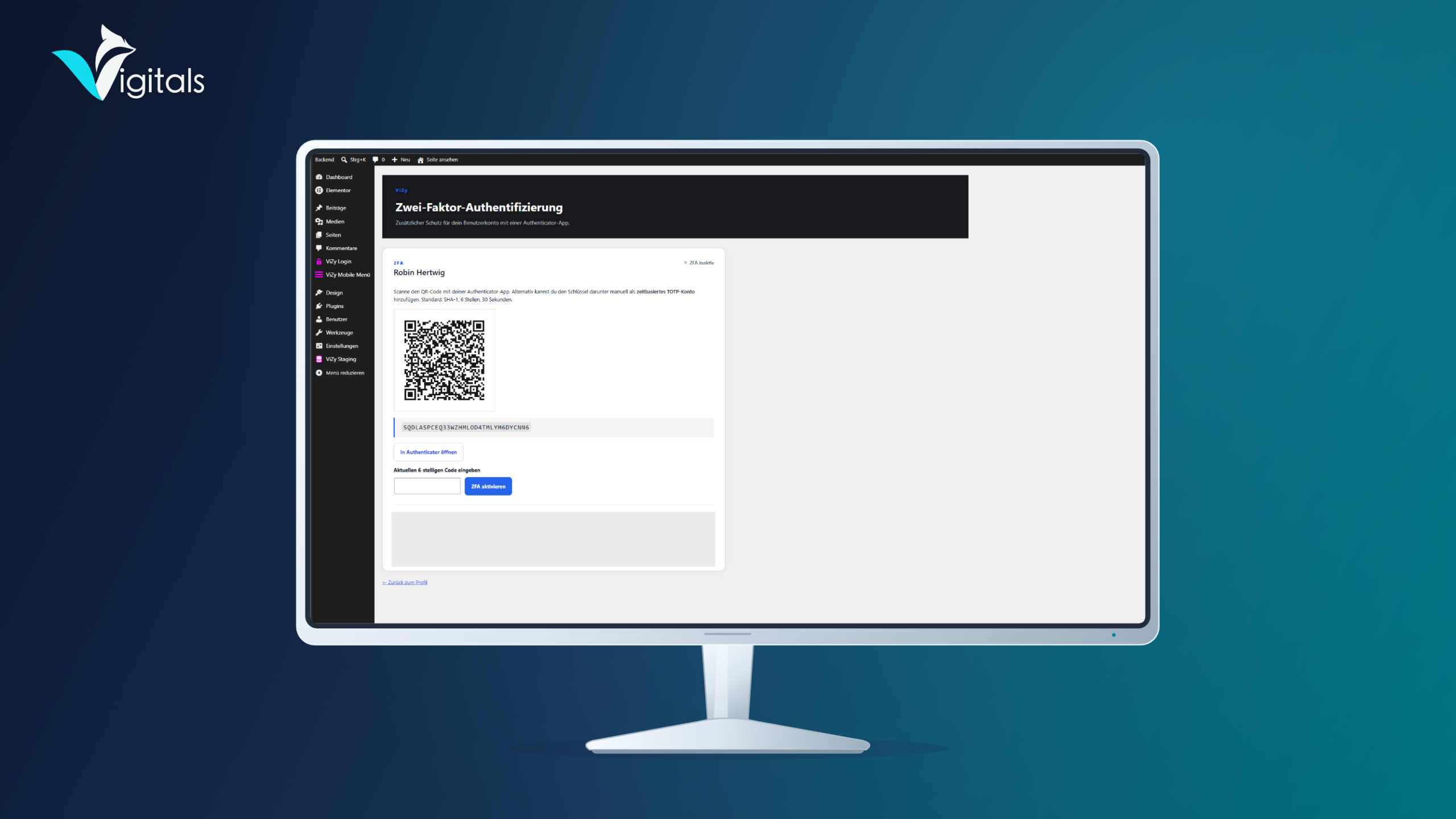
- Optional two-factor authentication with an authenticator app
- One-time use recovery codes for access in case of device loss
- Disable XML-RPC authentication
- Manage settings centrally in the WordPress backend
Additional features of Clavyz Login Security Pro
The Pro version expands the security features with additional options for individual customization and management.
- Customize the background color of the WordPress login page
- Use your own logo on the login page
- Remove WordPress branding in the administration area
- Replace the WordPress logo in the admin bar with your own website name and favicon
- Notify administrator by email upon successful logins
All features of the Lite version are also included in Pro.
Optional two-factor authentication
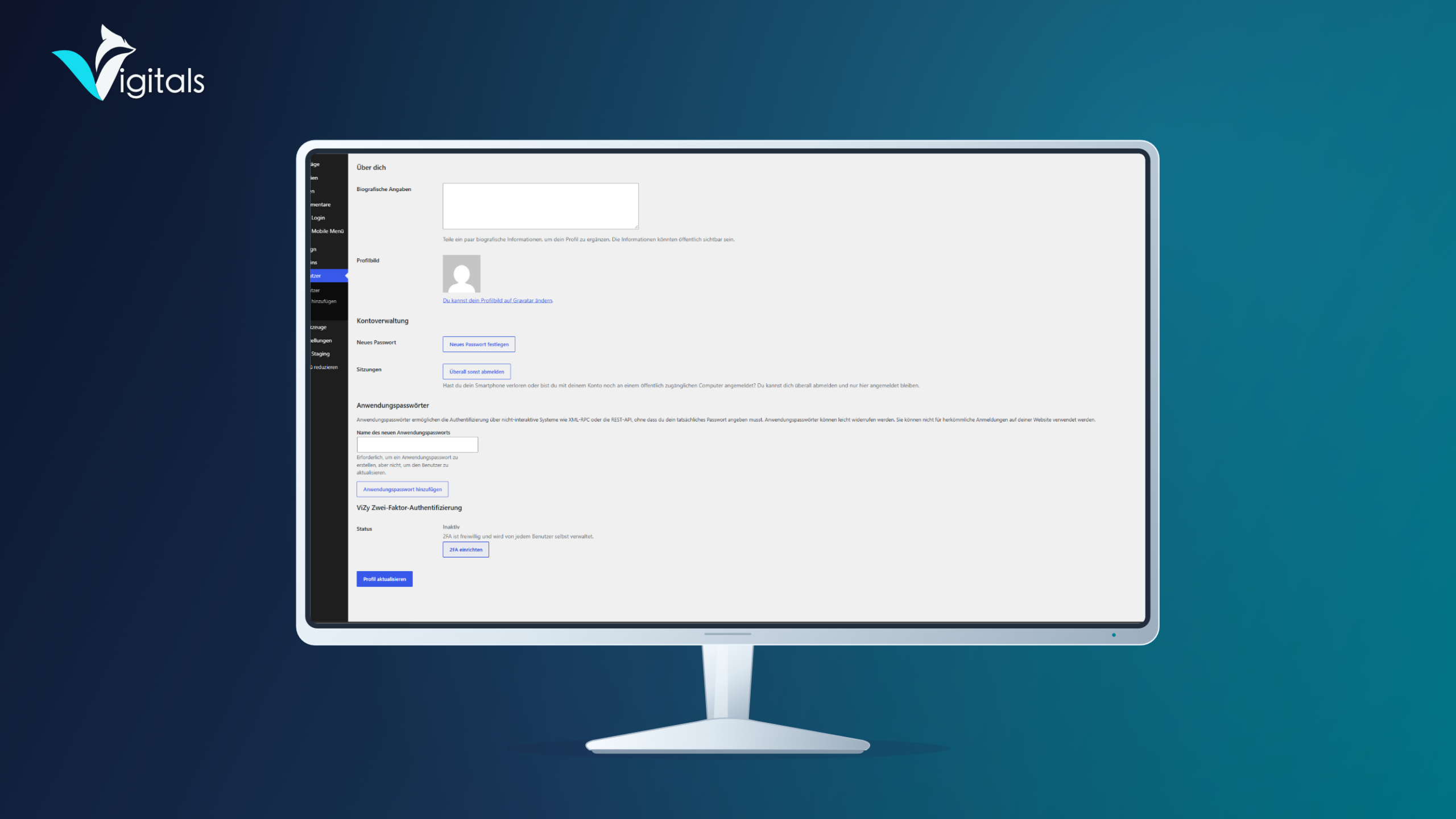
Two-factor authentication is basically optional. Each authorized user can independently activate the additional security in their WordPress profile.
Login then occurs with the usual password and a six-digit code from a compatible authenticator app. In case of device loss, one-time use recovery codes are available.
Technical requirements
- WordPress version 6.5 or higher
- PHP version 7.4 or higher
Clavyz Login Security is developed by Vigitals and is designed for easy integration into existing WordPress installations.


 Deutsch
 English
 Français
 Español
 Português (Brasil)
 Italiano
 Nederlands
 Polski
 日本語
 Русский
 Українська